Sign in
Find Preferences
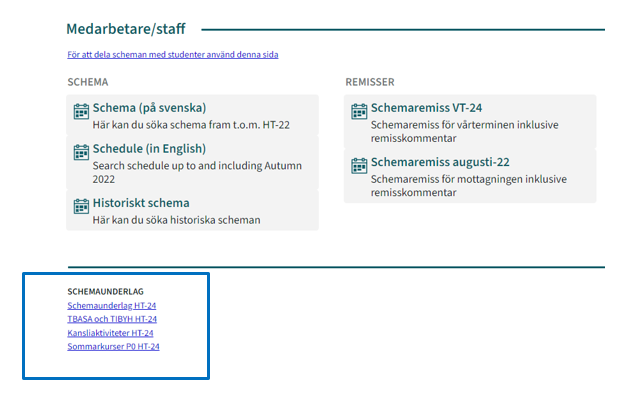
Go to kth.se/schema and sign in as Staff, with your personal KTH credentials. Choose the current request form among the links under “Schemaunderlag”.
Always choose the form that corresponds to the semester in which the course will be offered – even if you plan to work from a copy of the previous year’s scheduling request.
Sign in
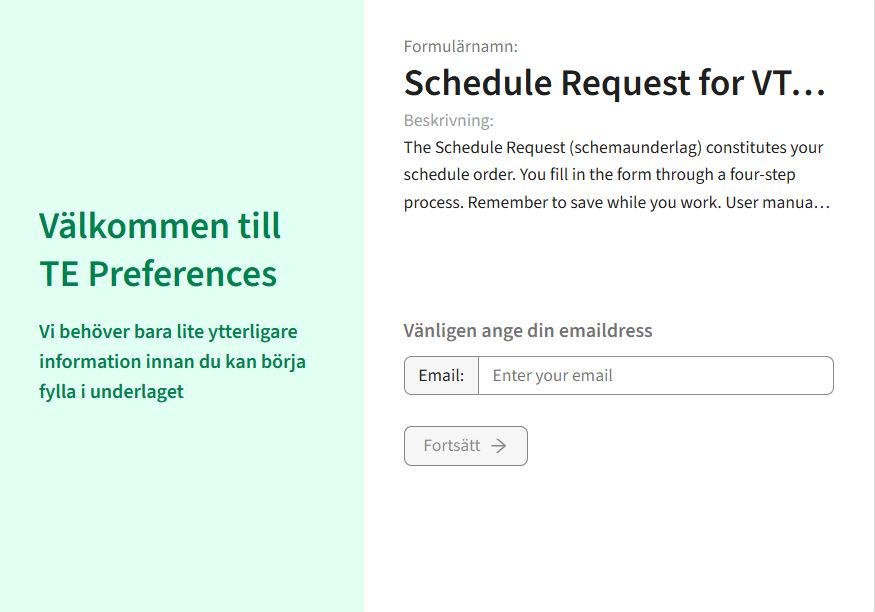
The link leads to the login page in TE Preferences.
1. Enter your KTH email address.
2. Upon your first login, enter your first and last name.
3. A PIN will be sent to your email address. Use the code in the next step. The code is filled in automatically at the first login. This will take you directly to the current form:
First time user
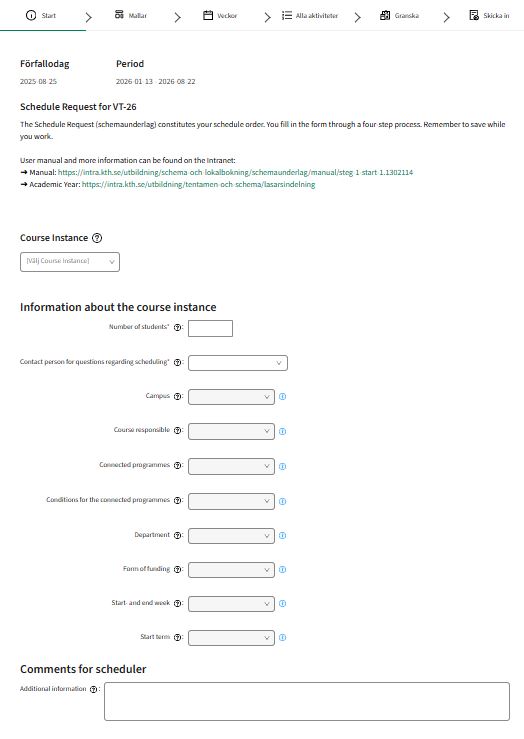
If this is the first time you sign in, you will be directed to a new, empty form:
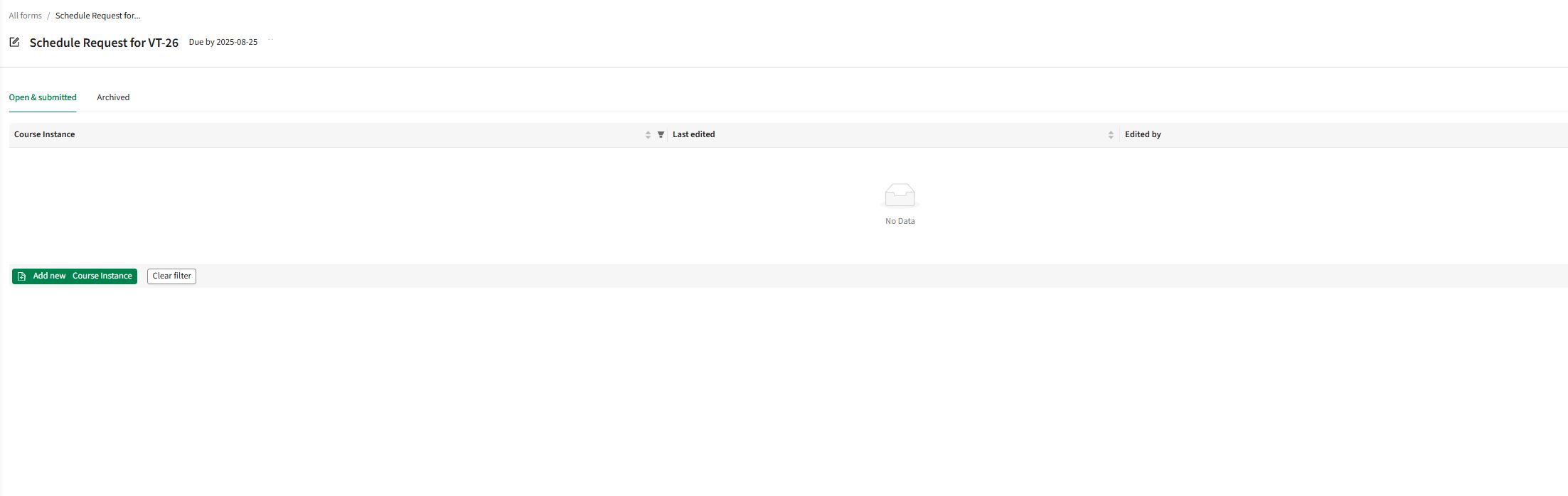
Returning user
If you are a returning user you will be directed to this view.
Open a new schedule request by choosing "Add new Course Instance". This is a neessary step even if you are about to copy a previous schedule request.