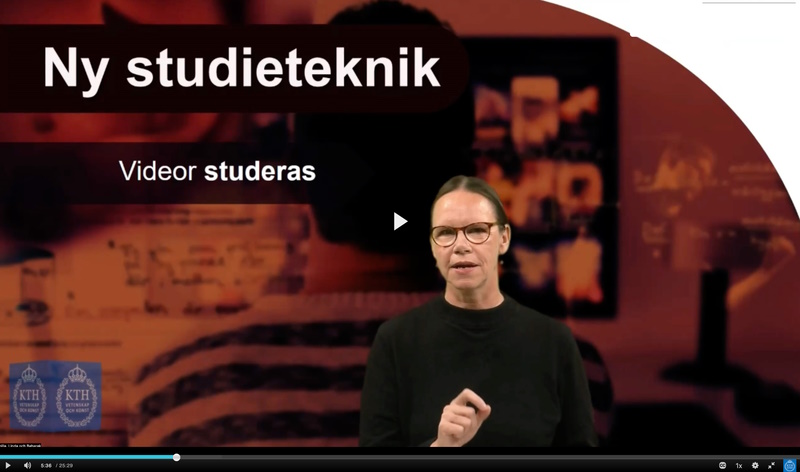
Student perspectives and some requests for recorded video material
Here you can read tips on what is important for students when they use video material to learn. As a teacher, you can, among other things, think about actively encouraging the student to pause and reflect upon the content, and to visualize what you are saying.
Different students indirectly make different demands on a video. This page lists some general tips that are requested by students. It can be anything from a clear purpose to the content of the video being easily accessible and strengthened by relevant peripheral information. In a learning video, structure is extra important as the student cannot raise a hand, ask a question or ask you to rephrase yourself. What you have published is the only thing available to the student.
Some things that students want you to carry with you when designing a video is that you:
- process the video after recording
- create time for reflection with natural breaks
- keep your video short and focused
- visualize in multiple ways
- vary the content
- have a clear and well-thought-out course design around the video.
Process the video after recording
Students spend more time on videos compared to when they follow your lecture in real time, as students tend to only see this lecture on this particular occasion. Students more clearly remembers elaborate and edited pre-recordings than a live lecture.
Create time for reflection with natural breaks
Noone can think about one thing in a meaningful cognitive way and listen actively at the same time. Thus, as soon as a student starts thinking they no longer listen. The only way to give room for reflection is with pauses. Even so, it is common for the teacher to continue talking unless someone raises their hand and asks a question. A video gives the spectator the opportunity to take these breaks, but it should be borne in mind that it does not happen automatically. Those who study a video usually do the exact opposite, that is, they speed up the video to get through it even faster.
Therefore, remember to divide the video into chapters and give out questions in advance. You simply have to force your students into natural breaks where they can write down and reflect on a question they might have without missing the continuation of your lecture. Students often consider this a very positive aspect with videos and are helped when the has teacher say something like "now you can pause and test this for yourself".
Keep your video short and focused
It's better to have a clear focus and that the video is short than trying to include an entire course content. Rather publish several short videos that deal with smaller episodes than a single long video with broad and varied content. You make it easier for students if they can easily navigate and quickly find specific sections.
There are also other benefits to making shorter videos. A short video about a specific part of the course content will be easier to use in more contexts, such as other courses and other teaching situations. Short videos also tend to require less editing.
Visualize in multiple ways
Students request that you as a teacher visualize the content of what you say. Try to think of methods to visualize what you describe easily in pictures. It doesn't have to be lots of effects or different angles, there are easier ways to put in things that activate more senses in the person who is watching and learning.
The video will also be accessible to more people if you use all the elements that the video medium offers. For example, try to stop and insert a close-up of a certain step in a lab when you mention it or show a complicated concept in text as well in the image.
Students more often remember a video that is varied in its design and has a lecturer who conveys enthusiasm and energy.
Vary the content
Students often search for video material from the web themselves to get other versions of explanations or extra in-depth descriptions. It is common when students wants different explanatory models on mathematical excercises. Students are asking for more options on how to calculate excercises to broaden and deepen their knowledge. This is not to be confused with pushing multiple things into the same video, but rather varying that information you already have in the video.
Have a clear and well-thought-out course design around the video
Have a clear purpose for the video and present it to the students before they start watching the video, so they can put it in context. The information is crucial for motivation and knowledge acquisition.
Where you publish the video, you can inform about, for example:
- why the students should watch the video
- what the students are expected to have learned after watching the video
- what course elements are included in the video
- what course objectives are associated with the video.