
On-call
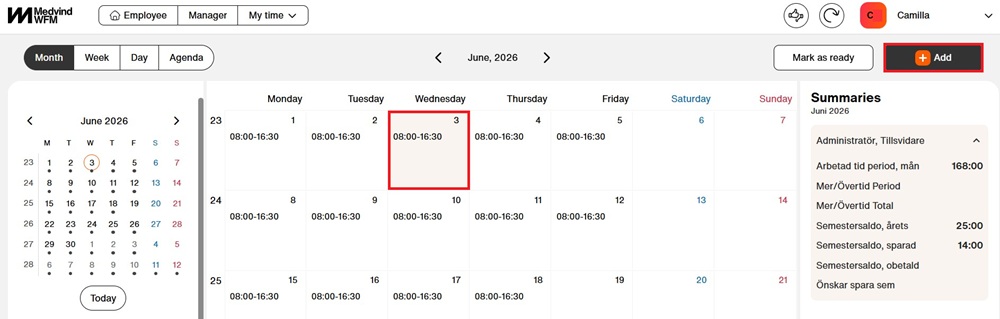
1. Select the day you want to add time to and click “Add”
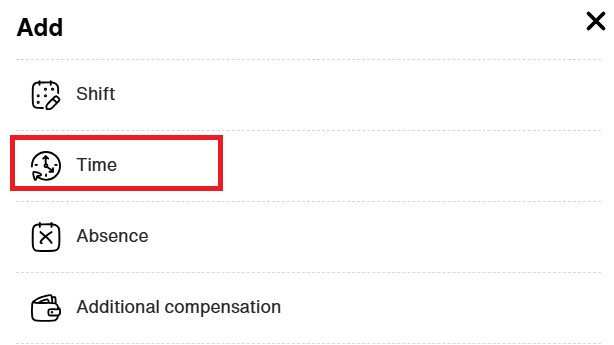
2. Select “Time”
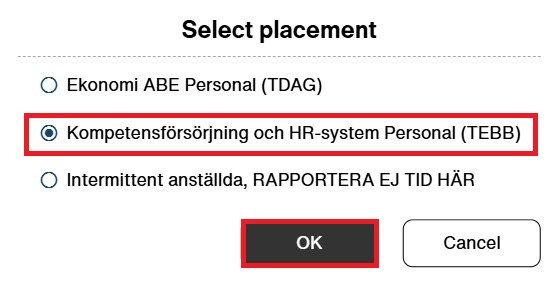
3. If you have multiple placements, select the one you want to report time for. Click “OK”
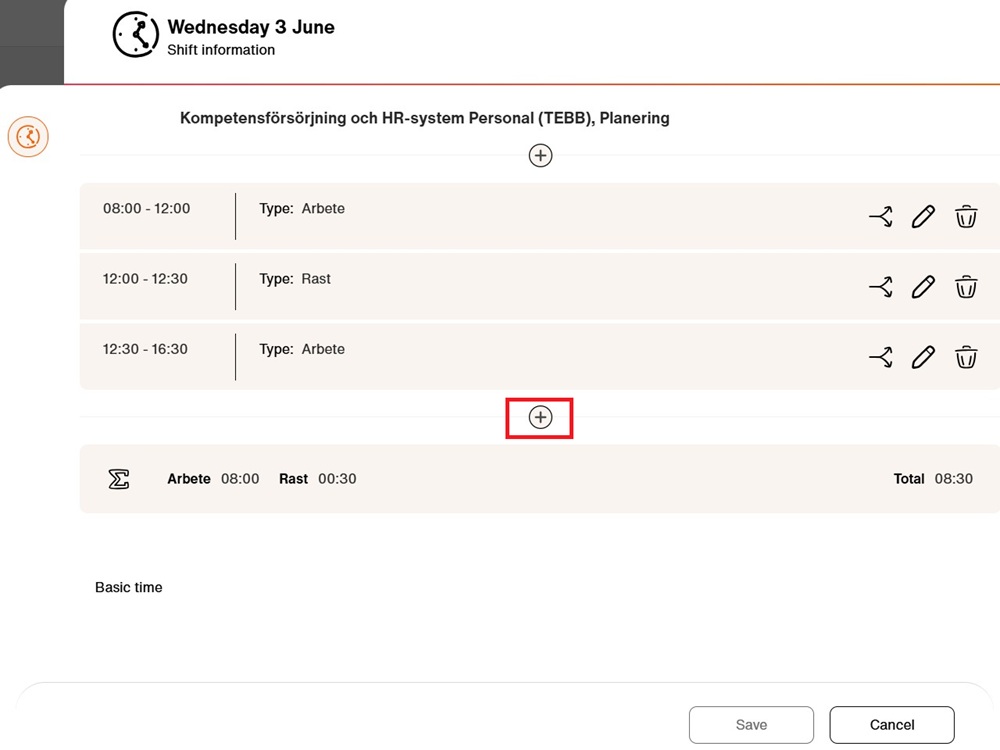
4. At the top, you can see which date you are editing. If there is already recorded time for the day, it will be displayed as shown in the image.
-
+ Add time before or after
-
(pencil) Edit time
-
(bin) Delete tiden
-
(split arrows) Split the shift
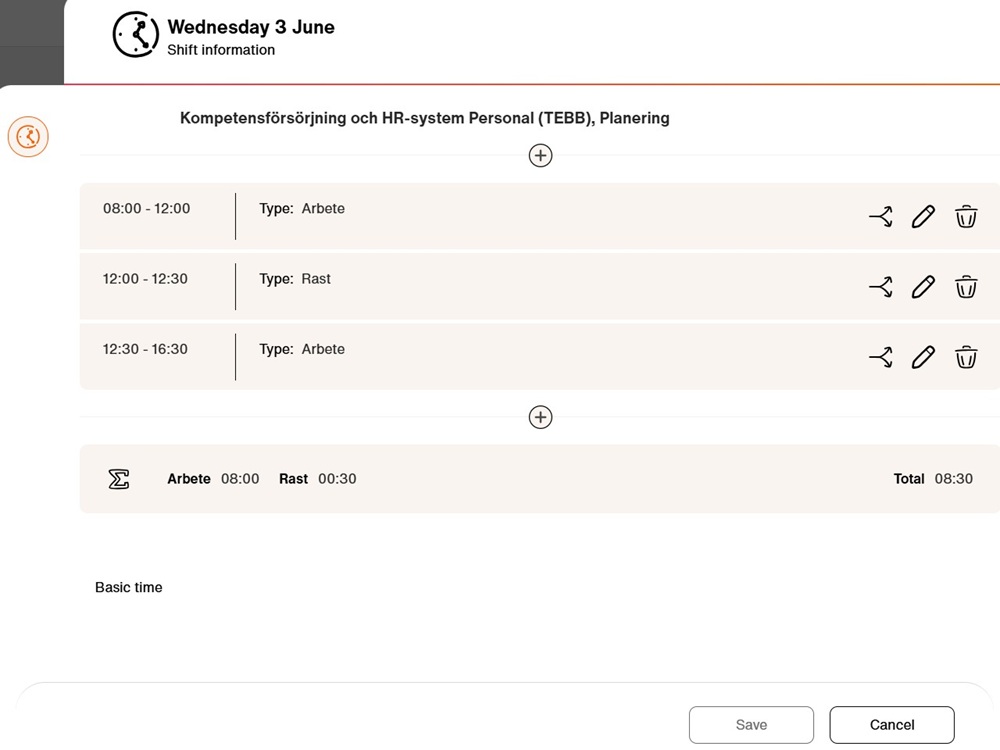
5. In this case, we want to add time after. Click “+” below the last time entry
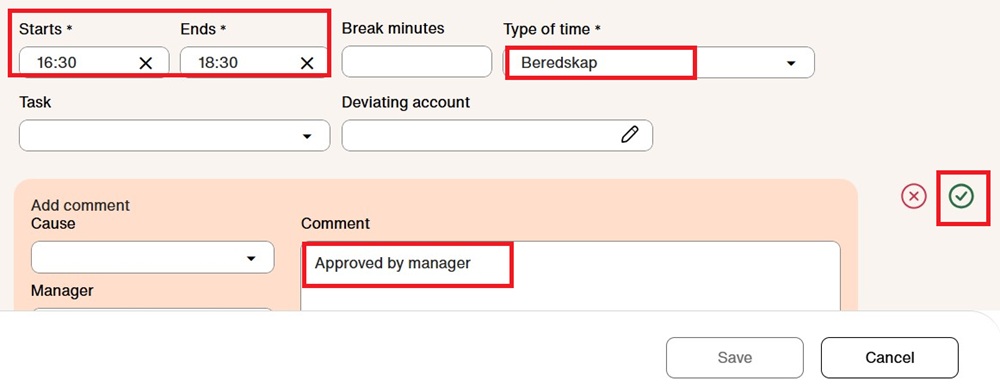
6. Enter the time and select the type of time. Add a comment and click the green check mark
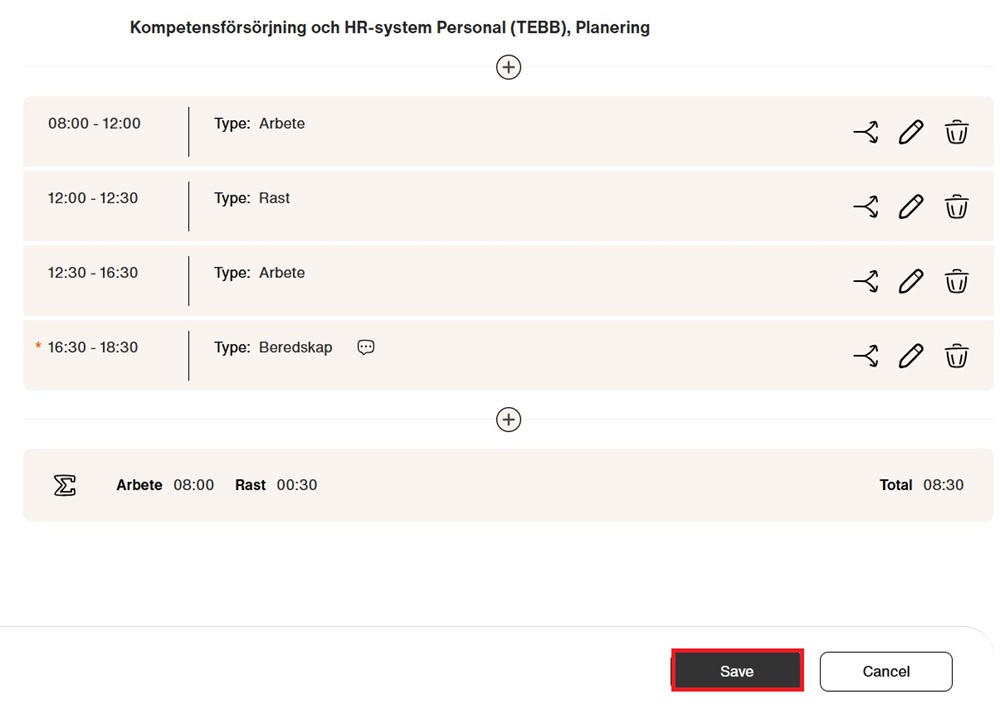
7. The shift will now appear below your original time entry. You can split, edit, or delete it if needed. Click “Save”
8. The shift has now been added to your calendar.