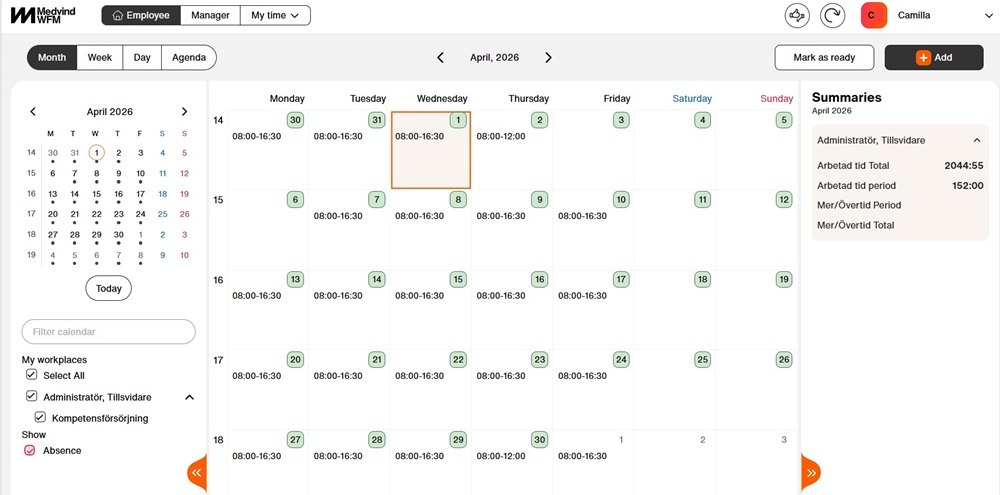
Mark as ready
Before you start
Employees continuously report time and absences, such as sick leave and childcare in KTH-HR. At the end of each month, you as an employee need to ensure that your monthly reporting is complete. Check that you have reported any absence, leave, and time for the period, and then confirm the month by marking it as finalized. This completion confirmation signals to your manager that your reporting is finished and ready for approval.
Employees with annual working hours or non-regulated working hours only need to confirm if they have had any absence or leave during the period.
You can find the final date for completion confirmation on salary deadlines
Step by step
1. Click on ”Mark as ready”

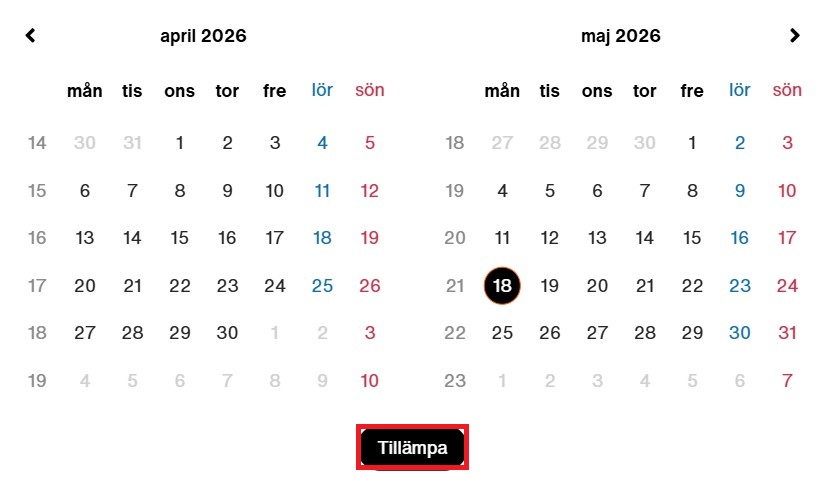
2. Make sure you have the correct period selected; otherwise, click on the dates.

3. Select the start and end dates and click ”Tillämpa (apply)”
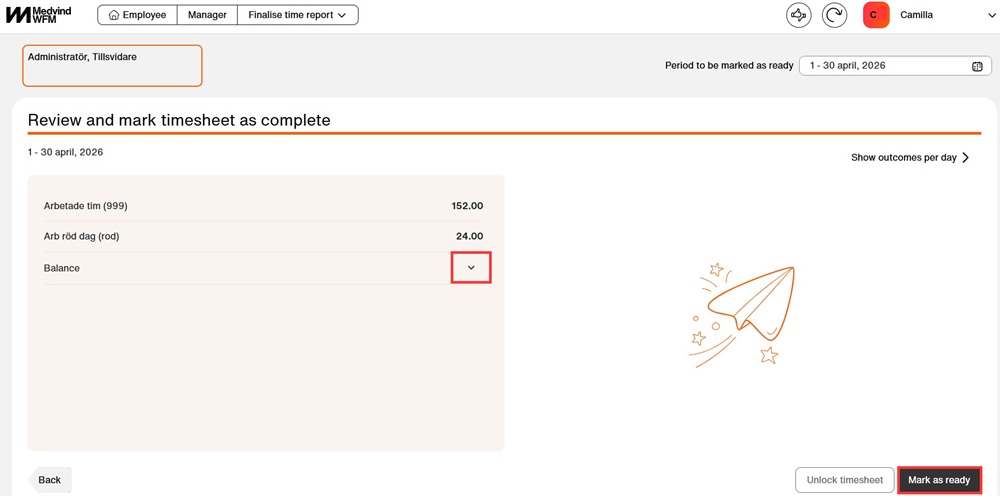
4. Use the arrow under balances to view your balances. Click “Mark as ready” if the reported times are correct.
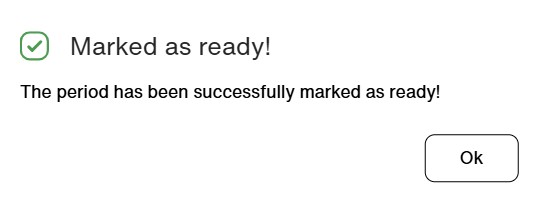
5. A pop‑up message will appear informing you that the period has been marked as ready.
6. Once you have marked the period as ready, the date will be highlighted in green.