
Vacation
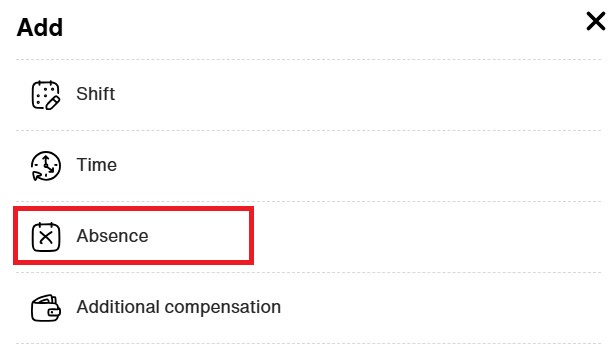
1. Click on ”Add”

2. Choose ”Absence”
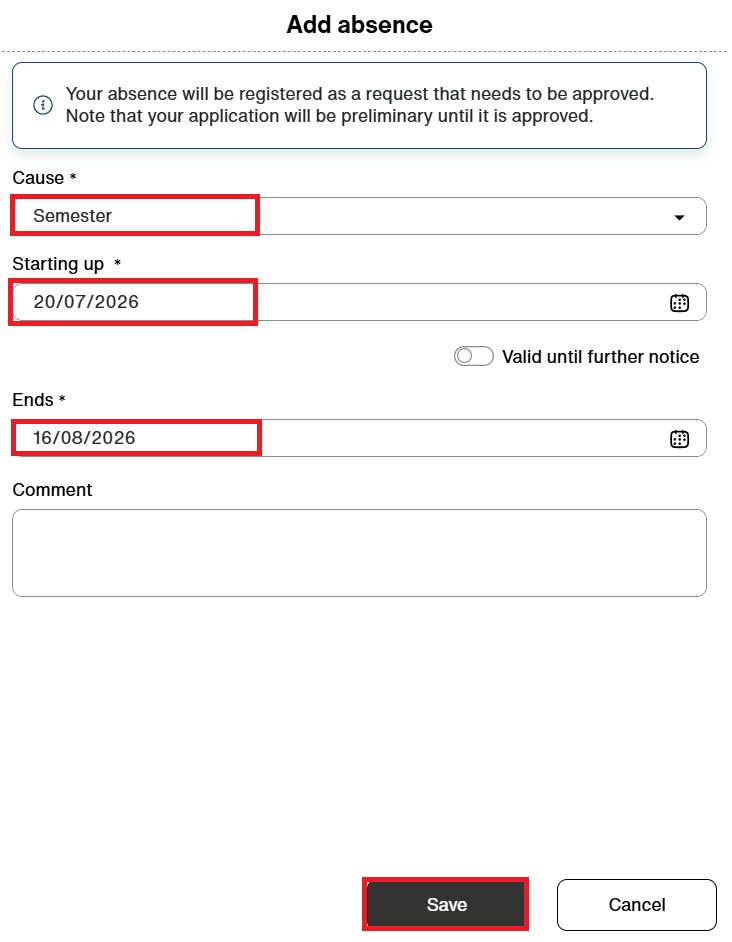
3. Select cause ”Semester (vacation)” and enter the date(s) of your leave. Click on ”Save”
4. Once the vacation has been applied for, the absence will appear striped in the calendar. By hovering over it, you can also see the status.
