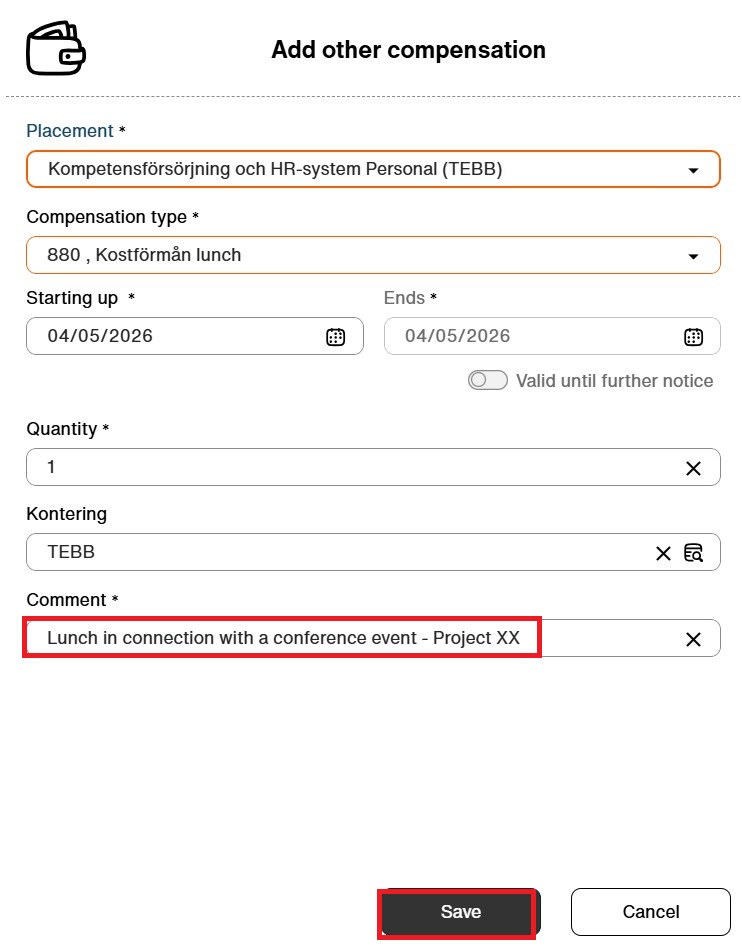
Meal benefits
Before you start
Make sure that you have checked the routine for meal benefits before you register this in KTH-HR.
This was previously called paycodes, it is now found under “Additional compensation”.
Step by step
1. Click on ”Add”

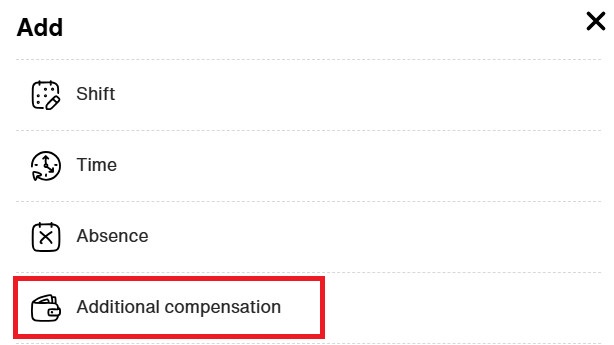
2. Choose ”Additional compensation”
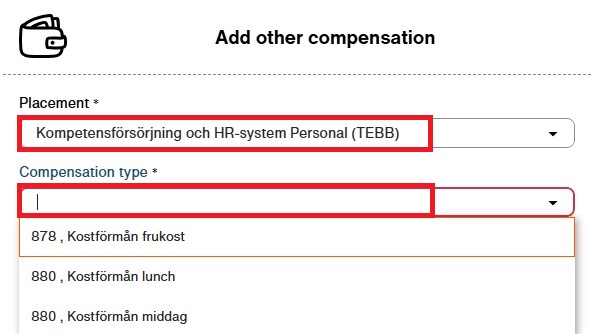
3. Select the placement where the time should be registered and choose the appropriate compensation type
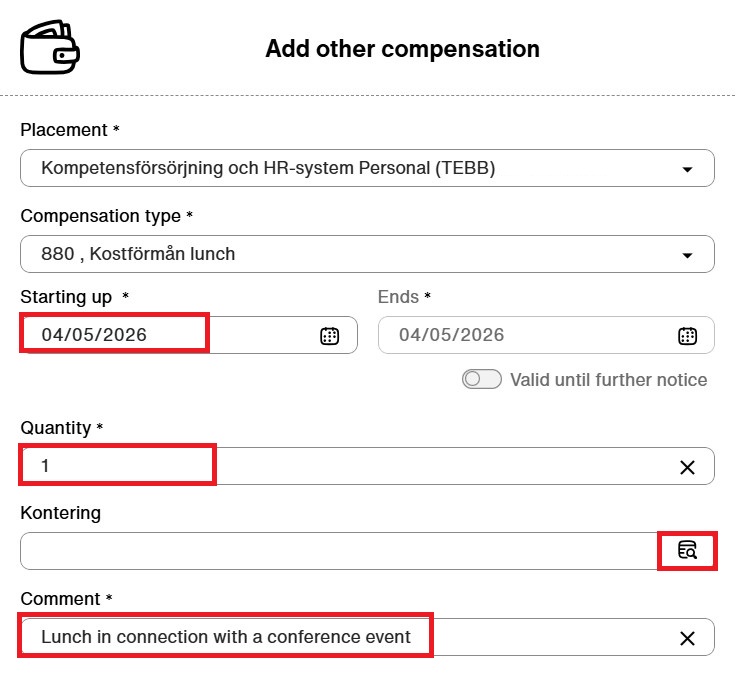
4.Enter the date when you received the meal benefit. Under quantity, enter 1. In the comments field, describe the context in which you received the meal benefit. Click on the box in the row for accounting.
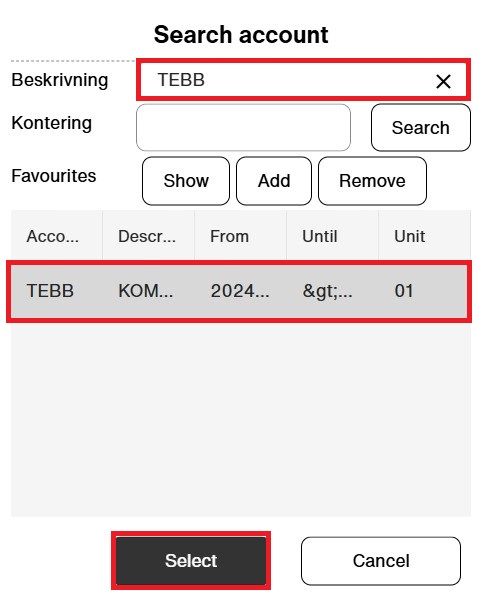
5. Search for the appropriate accounting entry (orgenhet), select the one you want to use, and click “Select”
6. You have to write the project in the commentsection. Then click on “Save”. The entry will now appear in your calendar on the specified date