How to post your transactions in KTH-Expense if you belong to CBH
CBH has a different organization than other schools, which affects the way you post your transactions in KTH-Expense.
When you register an expense, mileage reimbursement or allowance, there is no cost center by default in the posting.
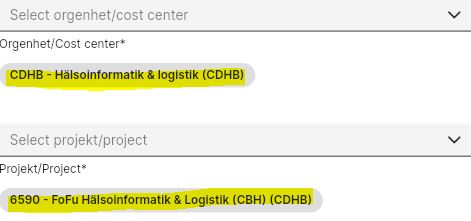
To add a cost center to the accounting, you must search for it in the search window, either by typing the first letters of the cost center (easiest) or by using the drop-down list (more time-consuming):

The next time you post a new transaction, the system will suggest the cost center (but also the project number) and then you just need to tap on it to select it, here's an example: